WELCOME OFFER: YOUR FIRST 3 CROWNS $20 EACH•LEARN MORE
Send a Case

Send Your Next Case to Bright.

Whether you work with traditional impressions or a digital scanner, sending a case to Bright Dental Lab is simple. Choose your preferred workflow below to get started.

Traditional Cases

Pack. Send. Done.

Complete your prescription, include the records required for the case, and send everything to Bright via your preferred carrier or local pickup.

Step 1

Complete the Rx

Download and complete the Bright Dental Lab Rx Form with your restorative instructions and case details.

Step 2

Package Your Case

Include the completed Rx, impressions and/or models, bite registration and opposing model/scan, and any other pertinent case information.

Step 3

Send to Bright

Package the case securely and send it to Bright Dental Lab using your preferred shipping method, or schedule a local pickup.
Ship Traditional Cases To:

Bright Dental Lab

171 Deer Park Ave, Ste 5, Babylon, NY 11702

hello@mybrightlab.com(631) 500-5057
Download Rx Form
Digital Cases

Choose Your Scanner Connection.

Select your scanner below and follow instructions to connect with our laboratory and send your case. Don't forget to ask about our Scanner Lease Credit.

3Shape TRIOS3Shape Communicate / 3Shape Unite +

Using 3Shape Communicate

  1. Log in to 3Shape Communicate.
  2. Go to Connections.
  3. Select Add Connection.
  4. Search for Bright Dental Lab or enter digital@mybrightlab.com.
  5. Select Bright Dental Lab - 171 Deer Park Ave, Ste 5, Babylon, NY 11702
  6. Select Connect.
  7. Once your connection has been accepted, return to your TRIOS software and go to Settings → Connections → Labs → Update.
  8. Bright Dental Lab will now appear as an available laboratory when sending your scan.
Bright Dental Lab171 Deer Park Ave, Ste 5 Babylon, NY 11702 digital@mybrightlab.com

Using 3Shape Unite / Unite Cloud

  1. Open 3Shape Unite.
  2. Go to More → Store → Labs.
  3. Select Add Connection.
  4. Search for Bright Dental Lab or digital@mybrightlab.com.
  5. Select Bright Dental Lab - 171 Deer Park Ave, Ste 5, Babylon, NY 11702
  6. Select Connect.
  7. Once your connection request has been accepted, Bright Dental Lab will be available for sending cases.
Bright Dental Lab171 Deer Park Ave, Ste 5 Babylon, NY 11702 digital@mybrightlab.com
Carestream DentalUsing CS Connect +

Using CS Connect

  1. Log in to CS Connect.
  2. Choose the option to invite a new laboratory.
  3. Enter digital@mybrightlab.com to invite Bright Dental Lab.
  4. Once Bright Dental Lab has been added, select your scan in CS Imaging and choose Click & Share.
  5. Select Bright Dental Lab - 171 Deer Park Ave, Ste 5, Babylon, NY 11702
  6. Send your scan and complete the transfer through CS Connect.
Bright Dental Lab171 Deer Park Ave, Ste 5 Babylon, NY 11702 digital@mybrightlab.com
CEREC / PrimescanUsing DS Core +

Using DS Core

  1. Log in to DS Core.
  2. Click your user initials or profile picture in the top-right corner, then select Practice.
  3. Select Preferred Labs from the top menu.
  4. Click Add Preferred Lab, then search for Bright Dental Lab.
  5. Click Add lab next to Bright Dental Lab - 171 Deer Park Ave, Ste 5, Babylon, NY 11702, then confirm Add lab in the pop-up window.
Bright Dental LabDS Core Account ID: 1498771360171 Deer Park Ave, Ste 5 Babylon, NY 11702 digital@mybrightlab.com
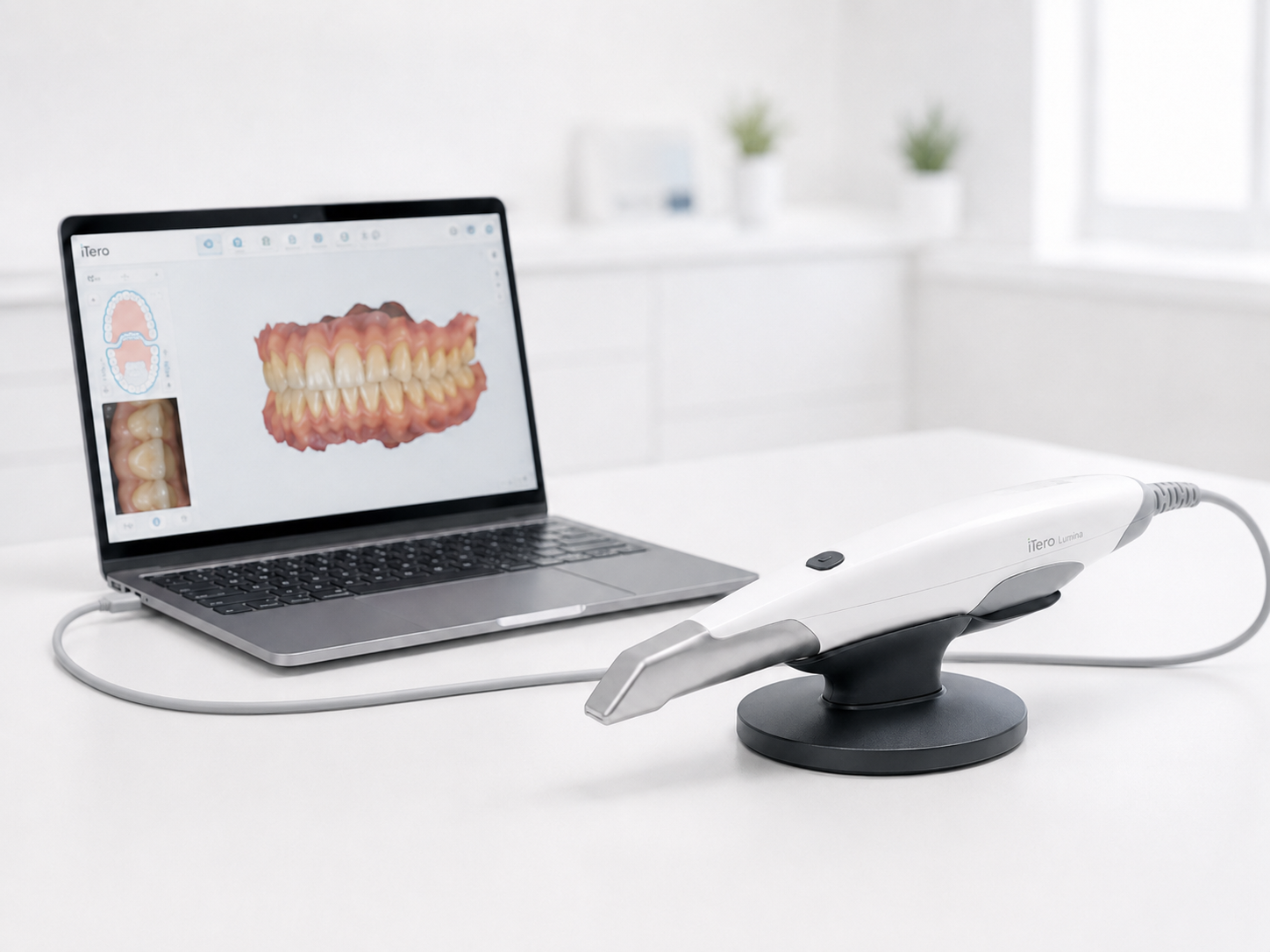
iTeroAdd Bright Dental Lab to Your iTero Scanner +

Add Bright Dental Lab to Your iTero Scanner

  1. Call iTero Customer Support at 1-800-577-8767.
  2. Follow the prompts to add a new dental lab to your scanner.
  3. Provide the representative with our Lab ID: 680431 and the information below.
  4. Ask them to add Bright Dental Lab - 171 Deer Park Ave, Ste 5, Babylon, NY 11702
Bright Dental LabLab ID: 680431171 Deer Park Ave, Ste 5 Babylon, NY 11702 digital@mybrightlab.com
MeditUsing Medit Link +

Using Medit Link

  1. Log in to Medit Link Web.
  2. Select Partners.
  3. Search for Bright Dental Lab.
  4. Select Bright Dental Lab - 171 Deer Park Ave, Ste 5, Babylon, NY 11702
  5. Send a Partnership Request.
  6. Once your request has been accepted, Bright Dental Lab will appear in your partner list and can be selected when placing an order.

Can’t find us? Select Invite Partner and enter digital@mybrightlab.com.

Bright Dental Lab171 Deer Park Ave, Ste 5 Babylon, NY 11702 digital@mybrightlab.com
SHINING 3DUsing SHINING 3D Dental Cloud +

Using SHINING 3D Dental Cloud

  1. Log in to SHINING 3D Dental Cloud.
  2. Select Connections.
  3. Select New.
  4. Search for Bright Dental Lab.
  5. Select Bright Dental Lab - 171 Deer Park Ave, Ste 5, Babylon, NY 11702
  6. Select Confirm to send the connection request.
  7. Once connected, select Bright Dental Lab when sending your case.
Bright Dental Lab171 Deer Park Ave, Ste 5 Babylon, NY 11702 digital@mybrightlab.com
Other Scanning SystemsSTL File Submission +

Bright Dental Lab accepts digital scans from most intraoral scanning systems. If your scanner does not offer a direct connection to Bright Dental Lab:

  1. Contact your scanner manufacturer or reseller for instructions on exporting your scan files in STL format.
  2. Send a .zip file directly to digital@mybrightlab.com. Alternatively, please use WeTransfer to send files to digital@mybrightlab.com.
Bright Dental Lab171 Deer Park Ave, Ste 5 Babylon, NY 11702 digital@mybrightlab.com
Case Resources

Everything You Need In One Place.

Forms, instructions, and resources for sending cases to Bright.

Bright Dental Lab Rx Form

Download the prescription form for traditional case submissions.

Download Rx →

Digital Scanner Instructions

Jump directly to connection instructions for supported scanning platforms.

View Instructions →

Our Team Is Here To Help.

We’re always available to help with scanner connections, case submissions, restorative preferences, shipping questions, and much more.

Questions before getting started? Talk to Our Team